Prime AI & chat · Asks, assigns tasks, reads documents — in 5 languages; work chat, notifications
Ask by typing or by voice — get an answer in numbers. Assign tasks, have documents read. Work conversations stay inside the system
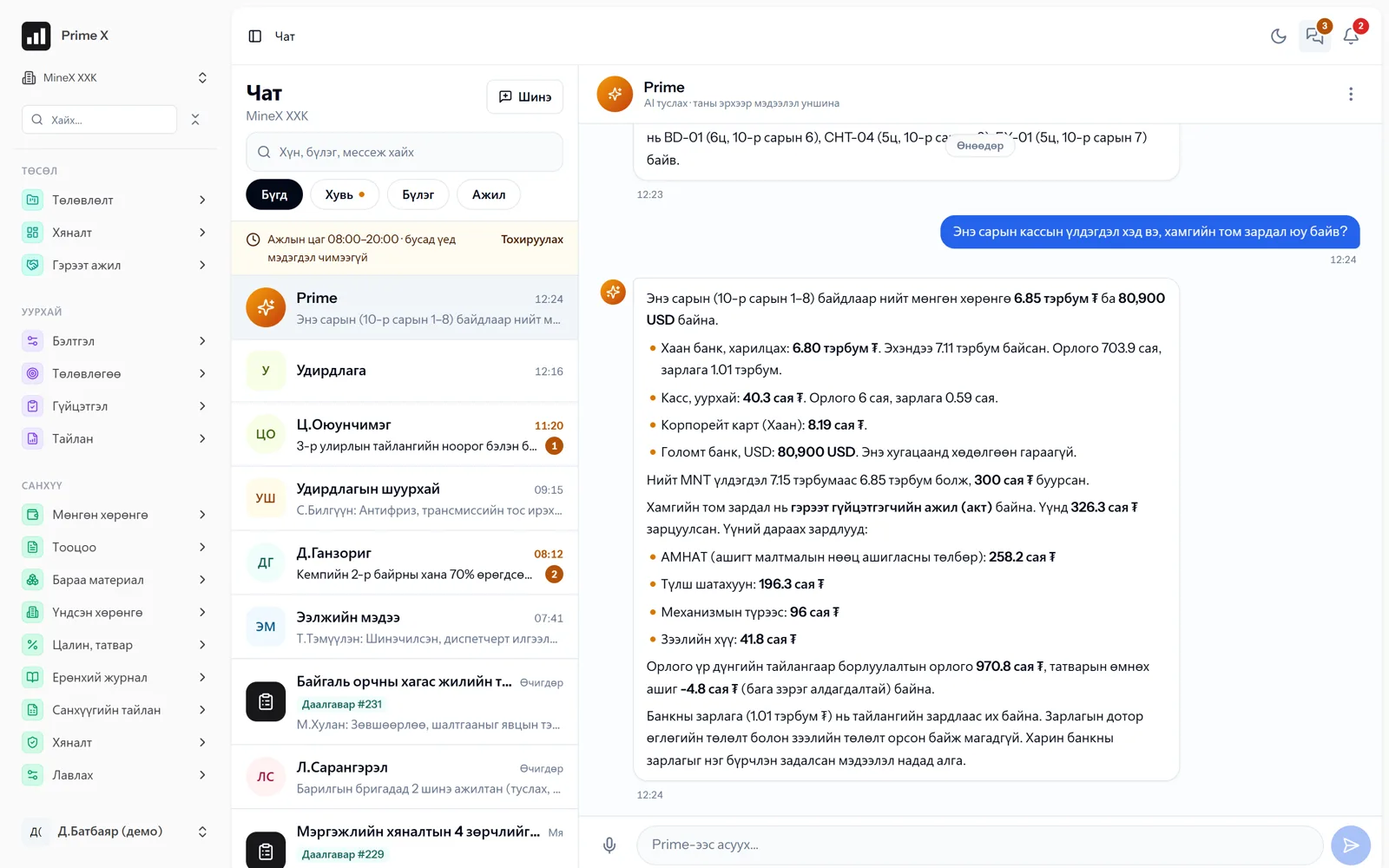
The Prime AI assistant answers instantly from your records about trips, idle time, cash, attendance and tasks — in the language you ask (Mongolian, English, Chinese, Russian, Korean). From chat it assigns tasks, schedules meetings and posts announcements; it reads photos of official letters, contracts and equipment certificates and drafts the record. Chat exists for every person, group, task and waybill.
- Feature group
- 3
- Action
- 13
- Flow step
- 6
How it works
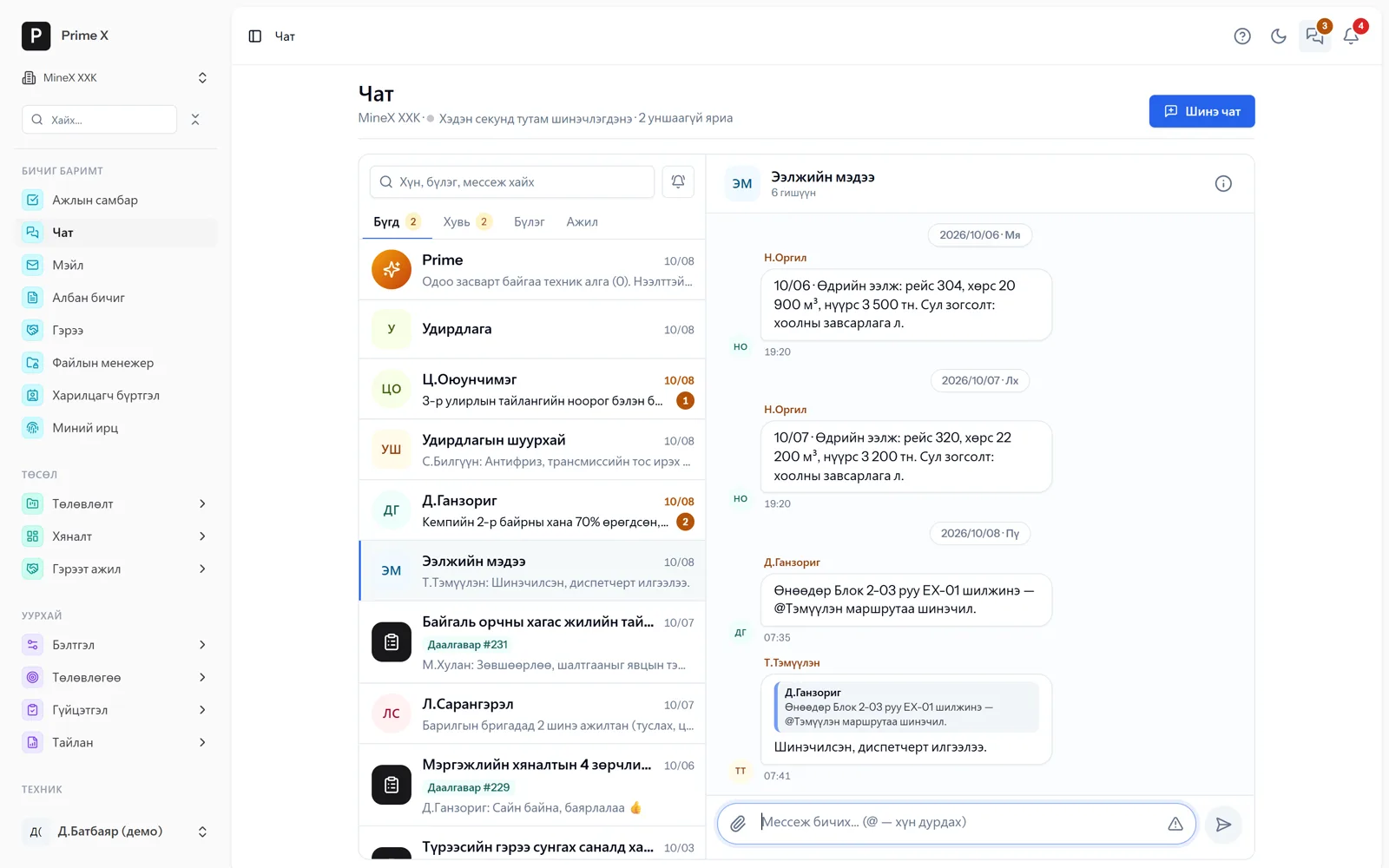
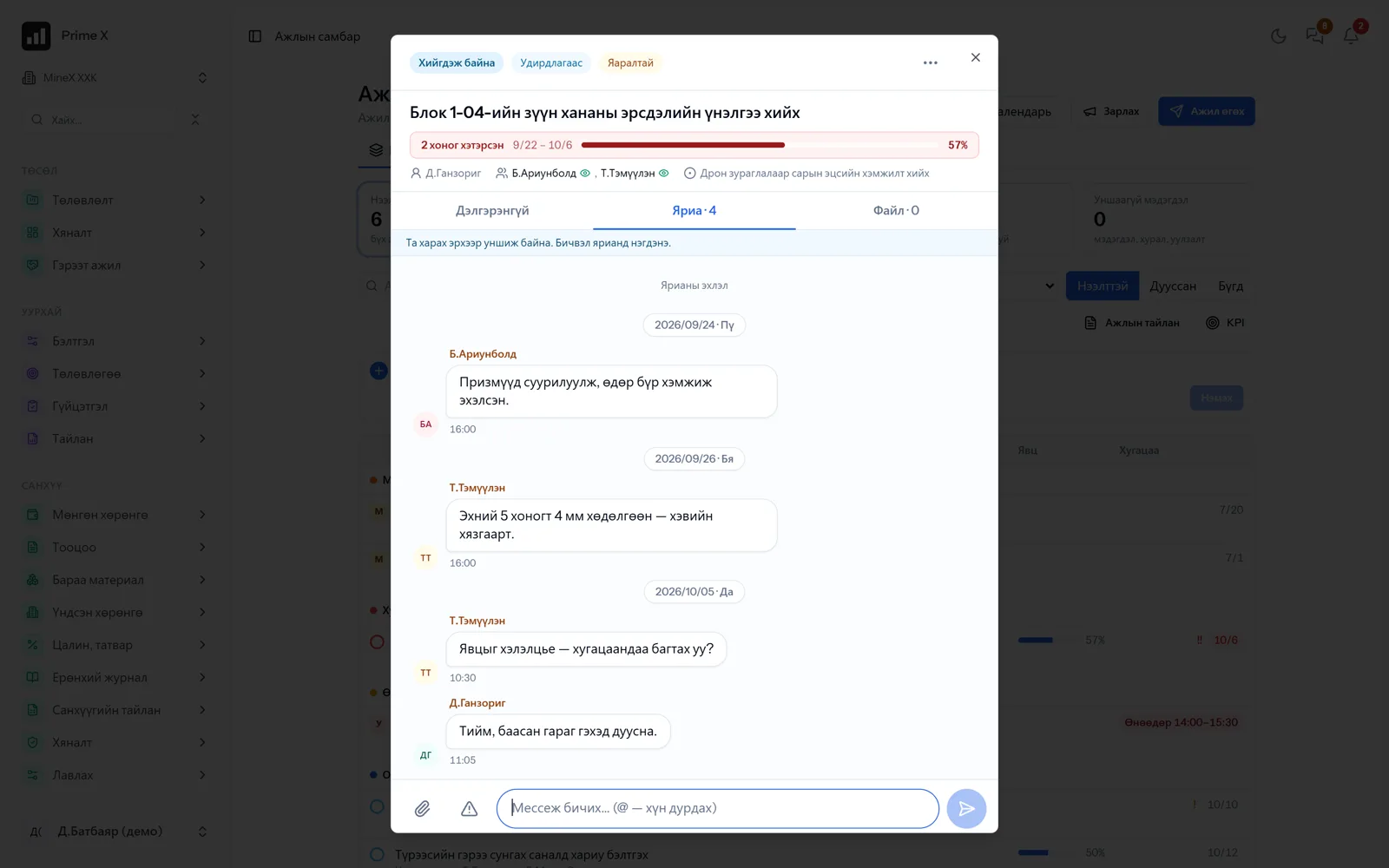
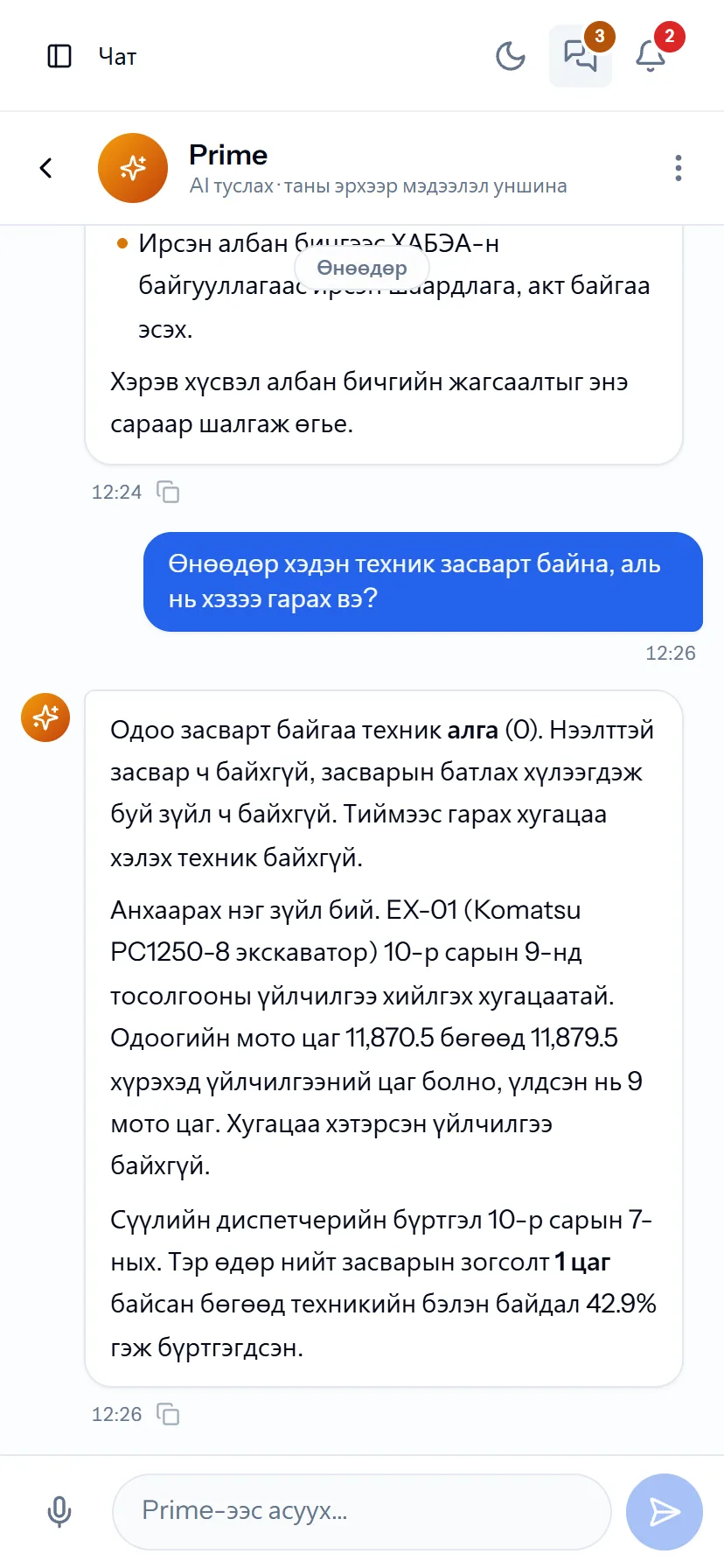
Prime is the AI assistant that works inside PrimeX. It reads only the data you are allowed to see and answers questions like “which machine had the most idle time this week”, “what is the cash balance”, “do I have overdue tasks” by counting from the system records. Hands busy in the field? Press the microphone and ask in Mongolian: Prime turns speech into text, counts and answers. Chat keeps work information inside the work system: private, group and department conversations, a conversation for every task, a conversation for every waybill (machine × day × shift). Urgent messages in red, notifications muted outside working hours, every message encrypted. Notifications for letters, orders and reports arrive in one centre and reach phones via Telegram and Web Push.
Request a walkthroughThe picture is only a small part. On the real system Prime AI & chat section works at every tap and links straight to the other sections — let us show you.
Request a walkthroughScreens
Prime AI & chat — screens in the system
Demo company screens with sample data. Scroll down to see them one by one.
1 / 5
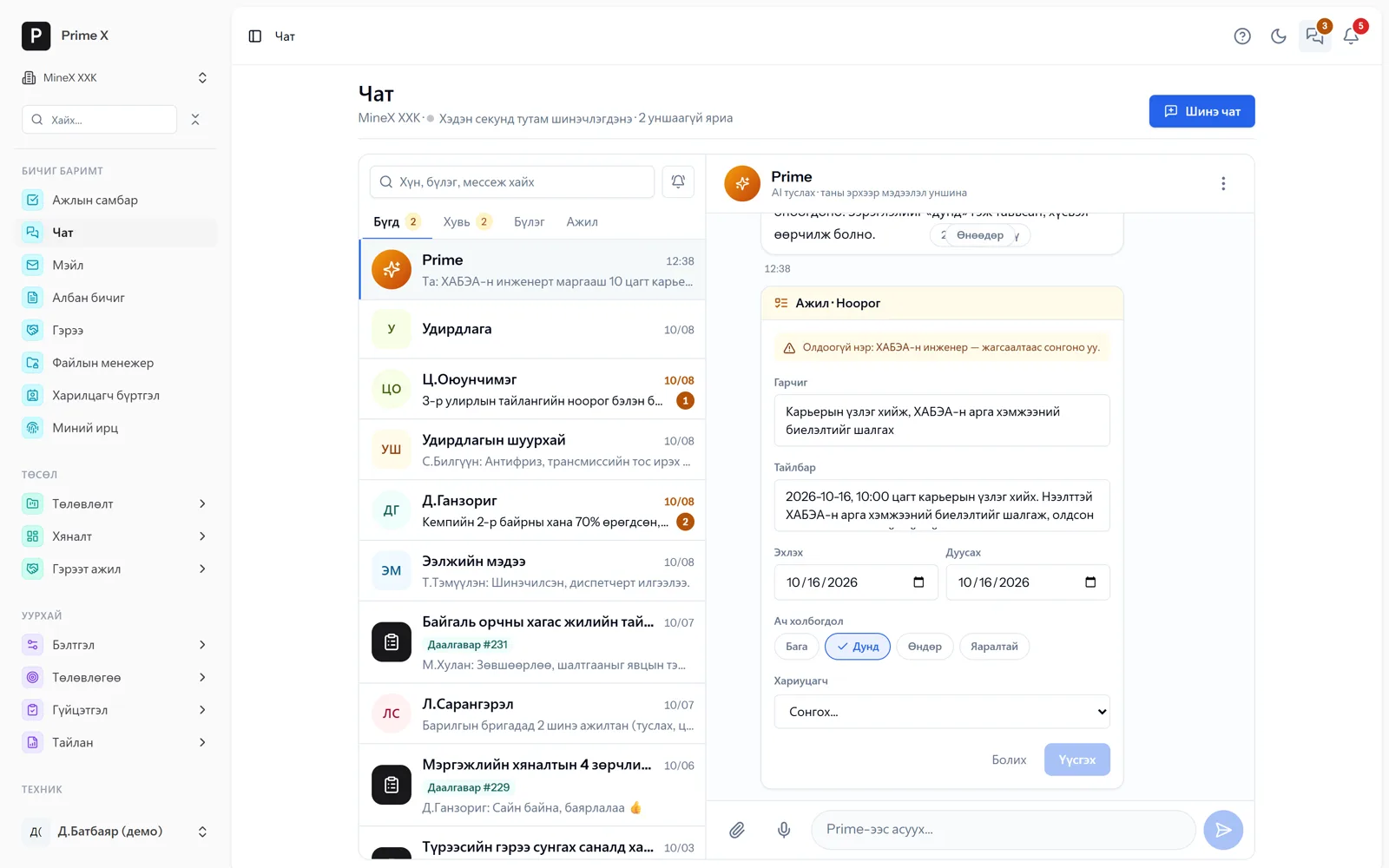
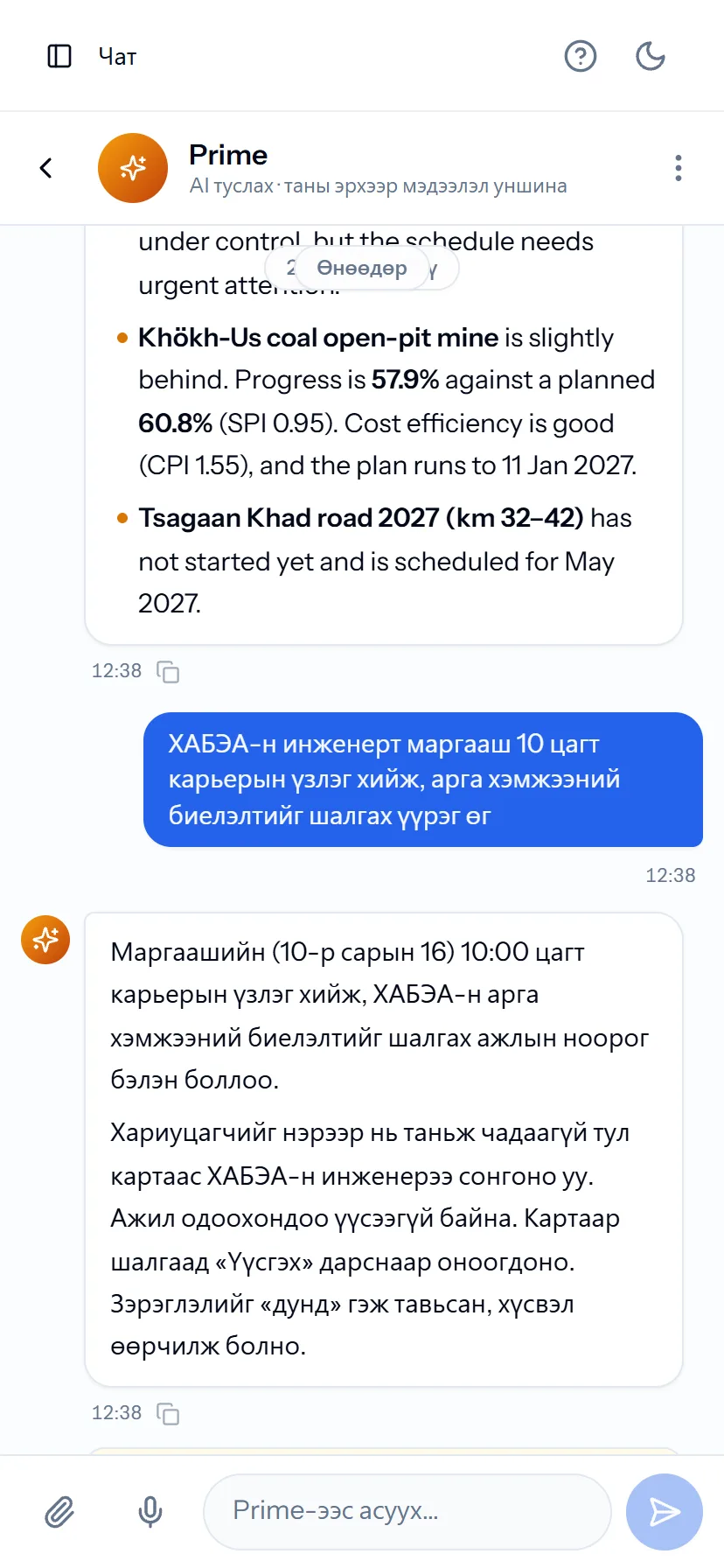
“Assign the HSE engineer a pit inspection tomorrow at 10:00” — Prime drafts a task card; you check it and press “Create”. Prime never records anything on its own.
Spotlight: work chat
Work information stays in the work chat
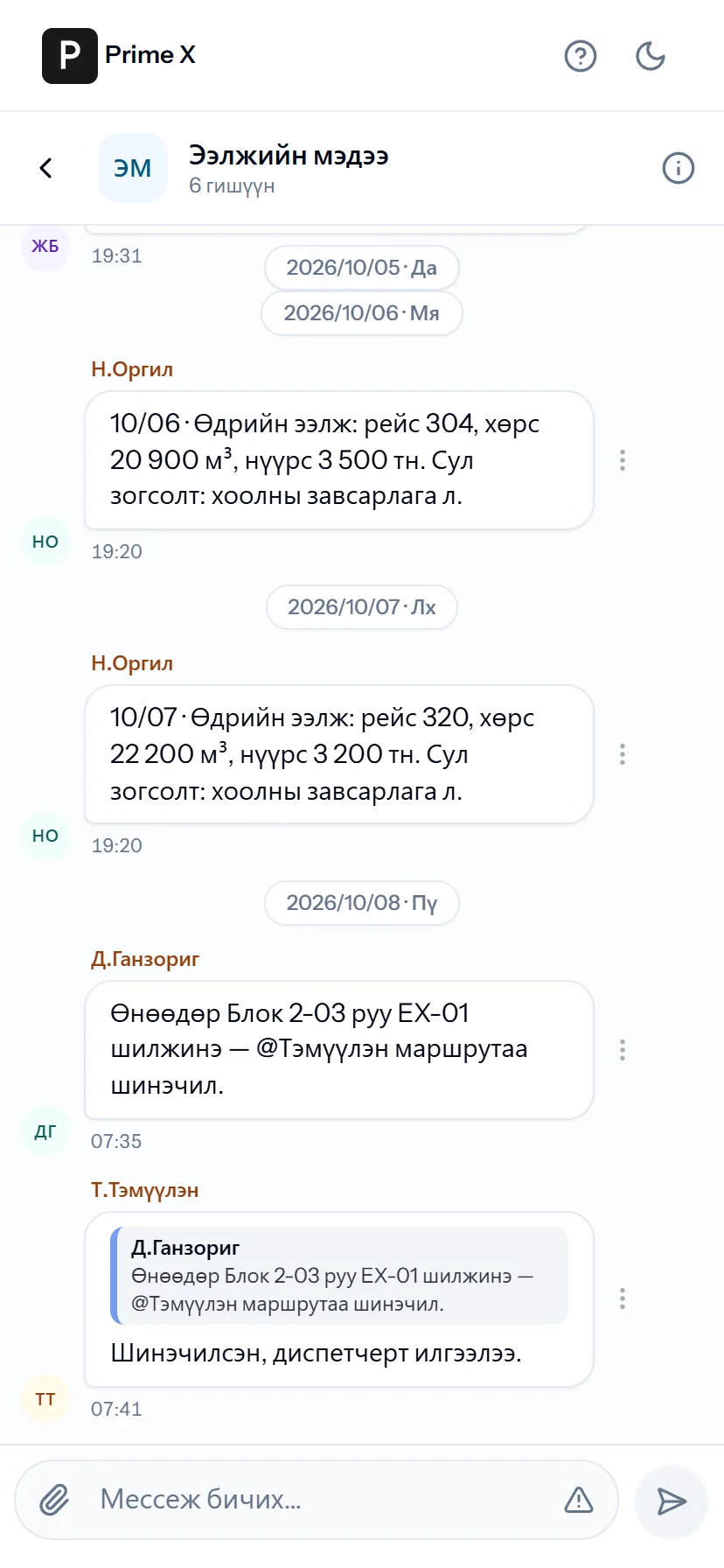
When shift reports, repair decisions and act approvals scatter across public messengers, nobody can find who said what and when. In PrimeX the conversation is stored together with the task, waybill or department it belongs to. When an employee leaves, the conversation stays with the company. Official business is handled through official channels.
Great on the phone too
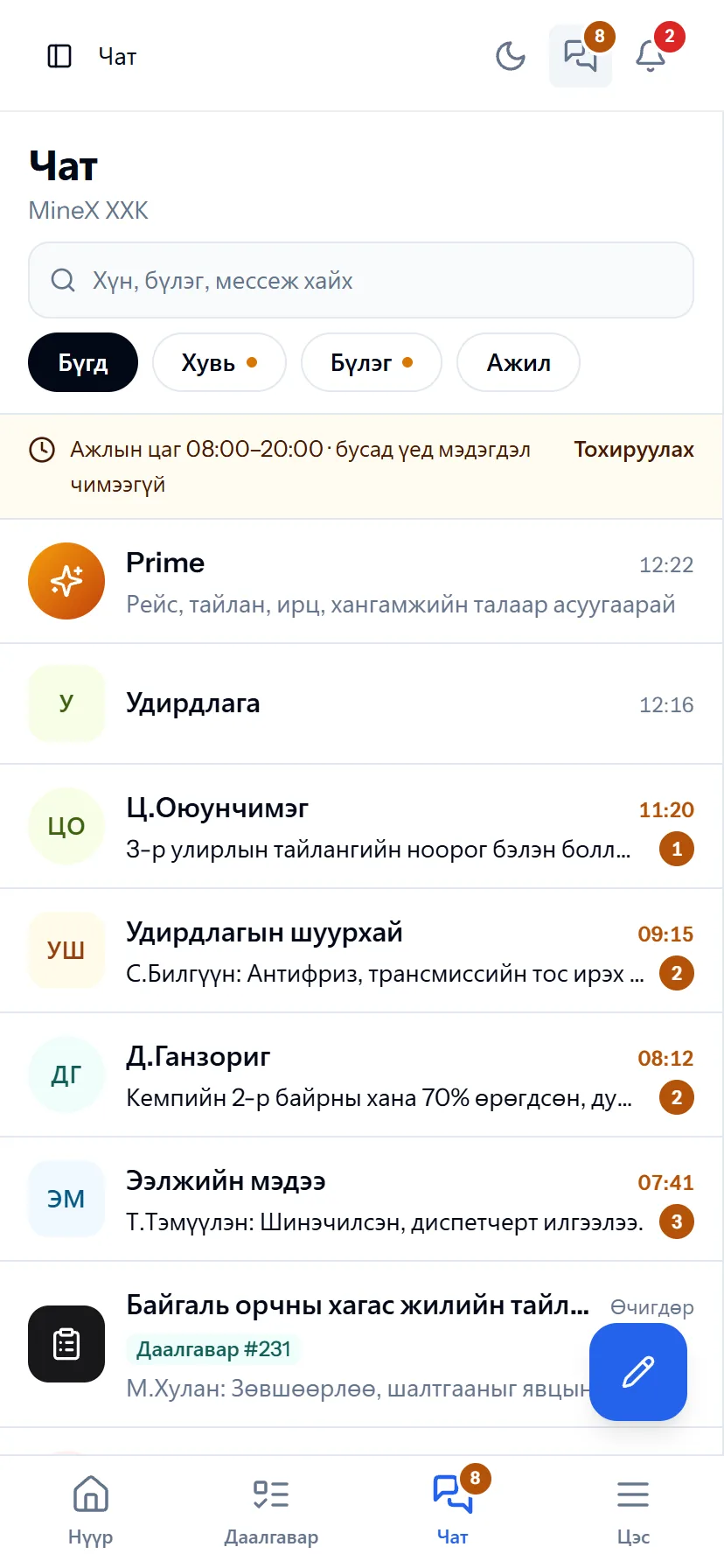
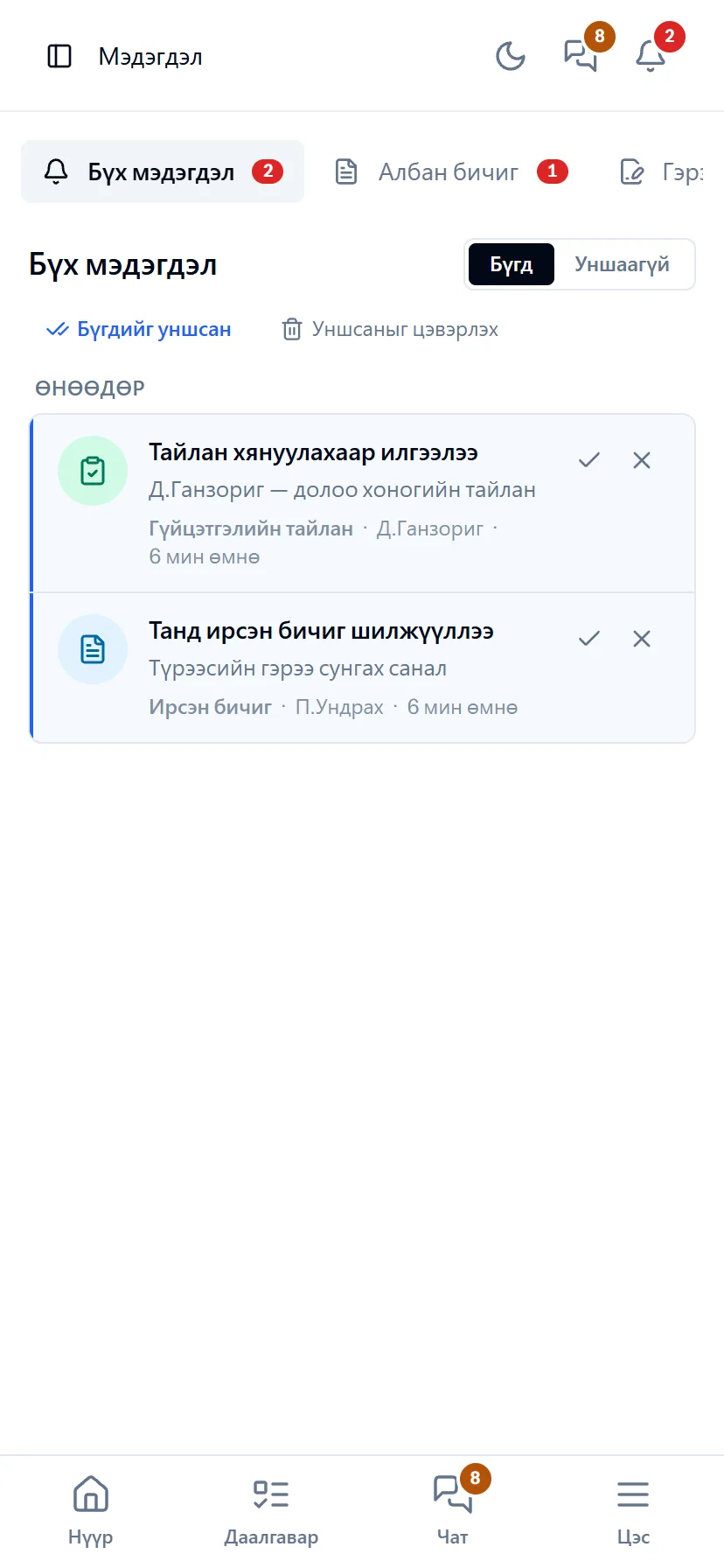
Prime and chat — on the phone
Hands busy in the field? Press the microphone and ask. Chat and notifications are one tap away in the bottom bar; Web Push notifications arrive even when the app is closed.
- Same account, same permissions — no difference between computer and phone
- Bottom menu: Home, Tasks, Chat, Menu — one tap
- No app to install, opens from the browser; Web Push notifications
What is included
Features of the Prime AI & chat section
Prime AI assistant
- Ask by voice — press the microphone and speak Mongolian
- Answers in the language you ask — MN, EN, 中文, RU, KO
- Actions: assign a task, schedule a meeting, post an announcement — draft card → “Create”
- Read and register documents: official letters, orders, contracts, equipment certificates, employee CVs (photo, PDF, multi-page)
- Trips, idle time, cash, attendance, productivity; only data you are authorised to see
Chat
- Private, group and department conversations — photos, call the phone directly
- Every task has its own conversation
- Waybill conversation — machine, day, shift
- Urgent messages, @mentions, read receipts, files by type, encryption
Notifications
- Letters, orders, reports and approval requests in one centre
- Telegram and Web Push
- Working-hours settings
- Read / unread tracking
Better in real life
Screenshots show only a small part of the system
A screenshot shows just one moment. On the real system, when the dispatcher changes a status you see the trip report change, the act appear and the ledger entry go in. The best way is 30 minutes together on your company’s data.
- With your equipment, employees and project names
- Questions answered on the spot and shown on screen
- Online or at your office
- No obligation, no charge
See it on the real system
Request a walkthrough Try the dispatcherThere is no open demo. Walkthroughs are done only at your request, for your company.
Ready to run your company on one system?
Screenshots do not fully show how it works in practice. We give a 30-minute walkthrough on your company’s data and draw up an implementation plan together — office, factory, clinic, road or mine, the whole system or a single module. If you have foreign investors we show the English and Chinese interfaces too.