Company cars · Bookings, odometer, signature, waybill — for any organisation New
Where the company car went, how many km, who drove — beyond dispute from booking to waybill
An employee books a car by phone, the coordinator assigns a car and driver and approves, the driver records the departure and return odometer, and the passenger confirms with a signature. Waybill, km, fuel, unrecorded km — reports automatically. Not only mines: any organisation’s office.
- Feature group
- 3
- Action
- 12
- Flow step
- 6
How it works
A company car is a machine in the equipment register: usage (trips) here, repair and service in the equipment module, one record. The employee books by writing where from and to (route points), when, for what purpose and with whom; with a driver or self-driven. The coordinator assigns a car and driver and approves — a car with another trip at that time is not assigned, and seats and open repairs are checked. The driver records the odometer at departure and return and fuel bought on the way; km travelled is calculated. The passenger signs on the phone to confirm; if km or time differ, they note “Discrepancy” with an explanation. The coordinator reviews and locks. The odometer is written to the machine’s counter, and the km-based service plan (oil change every 10,000 km) is calculated from it. The driver’s waybill prints as A4 landscape with passenger signatures; if the odometer grew between consecutive trips, that is “unrecorded km”. Flutter mobile app (Android, iOS): booking, approval, odometer, signature.
Request a walkthroughThe picture is only a small part. On the real system Company cars section works at every tap and links straight to the other sections — let us show you.
Request a walkthroughScreens
Company cars — screens in the system
Demo company screens with sample data. Scroll down to see them one by one.
1 / 2
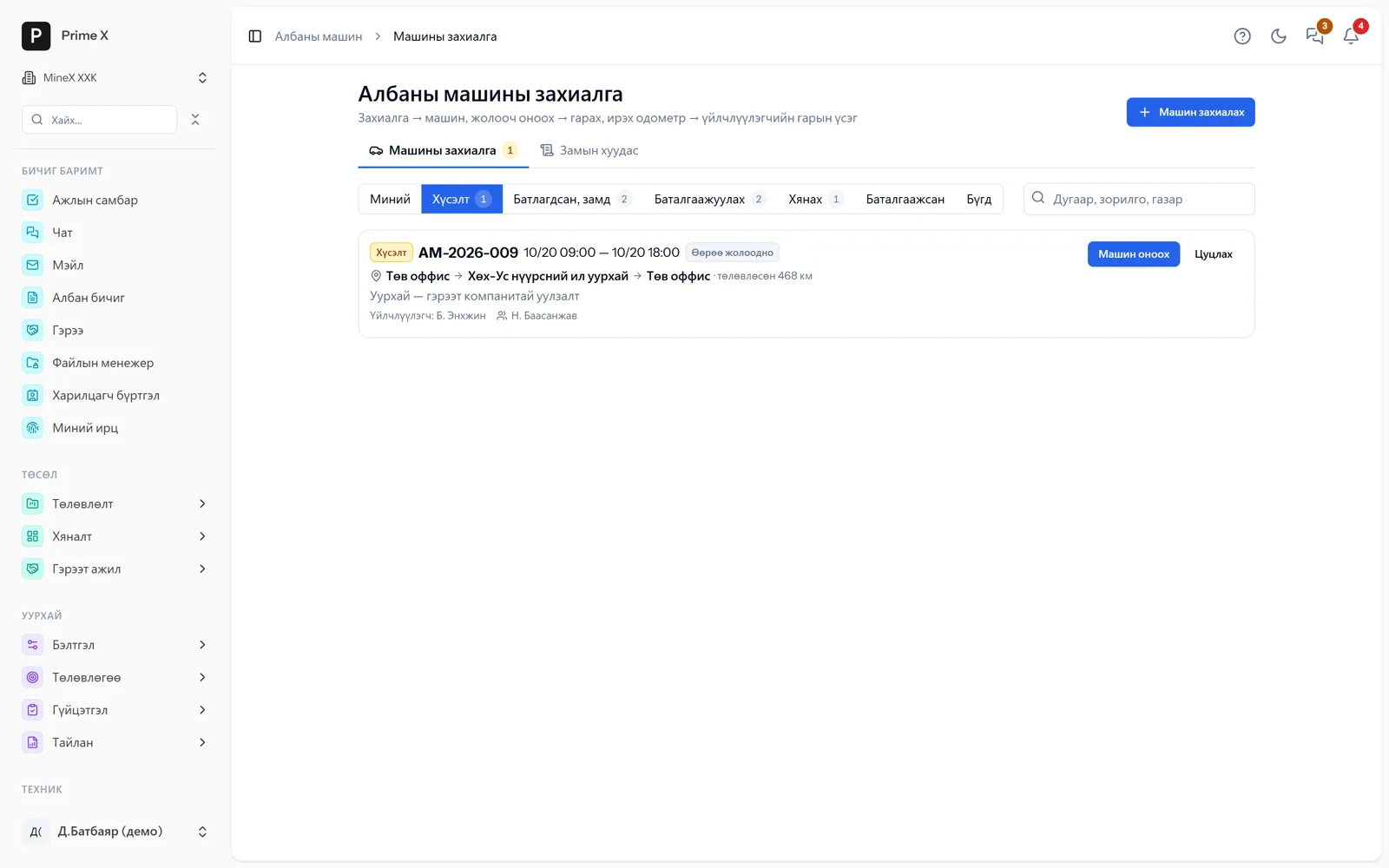
Request → approved, on the road → to confirm → to review → confirmed. Route, planned km, passenger, companions; the coordinator assigns a car and driver and approves.
Great on the phone too
Booking and signature — by phone
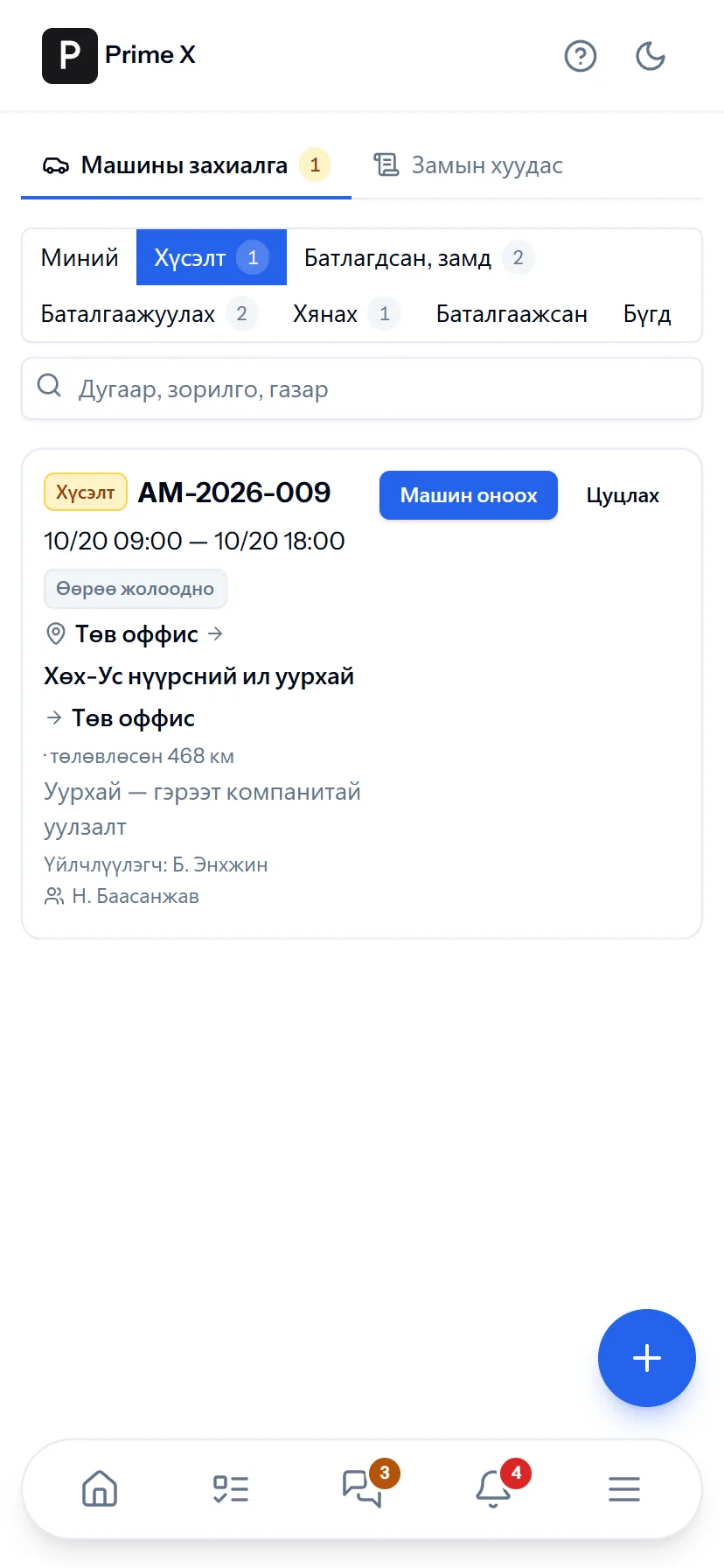
The employee books a car by phone; the driver records the departure and return odometer; the passenger checks the trip and signs on the phone. Flutter app on Android and iOS.
- Same account, same permissions — no difference between computer and phone
- Bottom menu: Home, Tasks, Chat, Menu — one tap
- No app to install, opens from the browser; Web Push notifications
What is included
Features of the Company cars section
Booking
- Route points, “Round trip”, purpose, accompanying employees, external passengers
- With a driver / self-driven; previously visited places are suggested
- Coordinator assigns car and driver — checks overlap, seats, repairs
- Filters: mine, requests, on the road, to confirm, to review
Trip
- Departure / return odometer — cannot be lower than the last record
- Fuel bought on the way, notes; km travelled automatic
- Passenger signature — on the phone
- If there is a discrepancy, an explanation → the coordinator corrects and re-confirms; review and lock
Cars, reports
- Car = equipment record: seats, fuel norm (l/100 km), km-based service
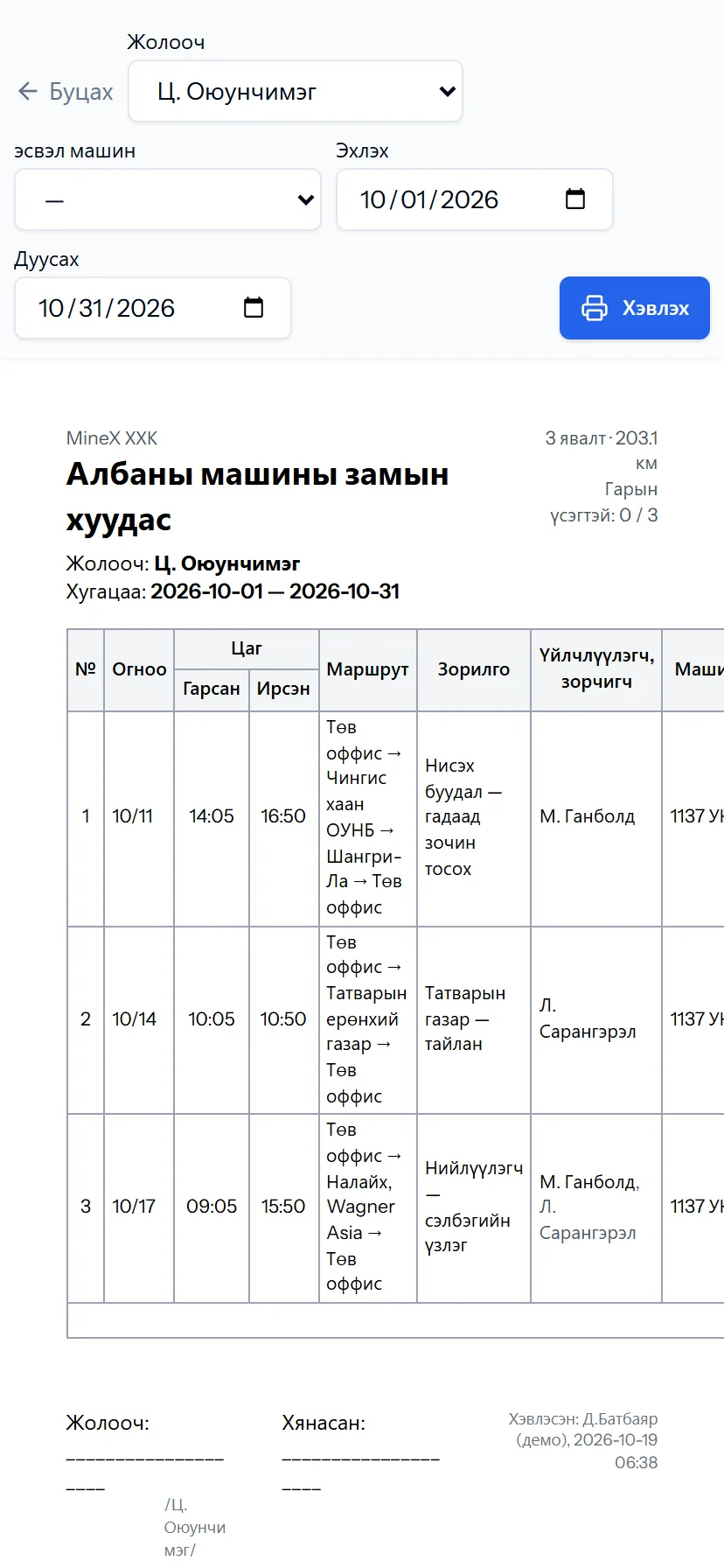
- Waybill by driver and by car — A4, with signatures
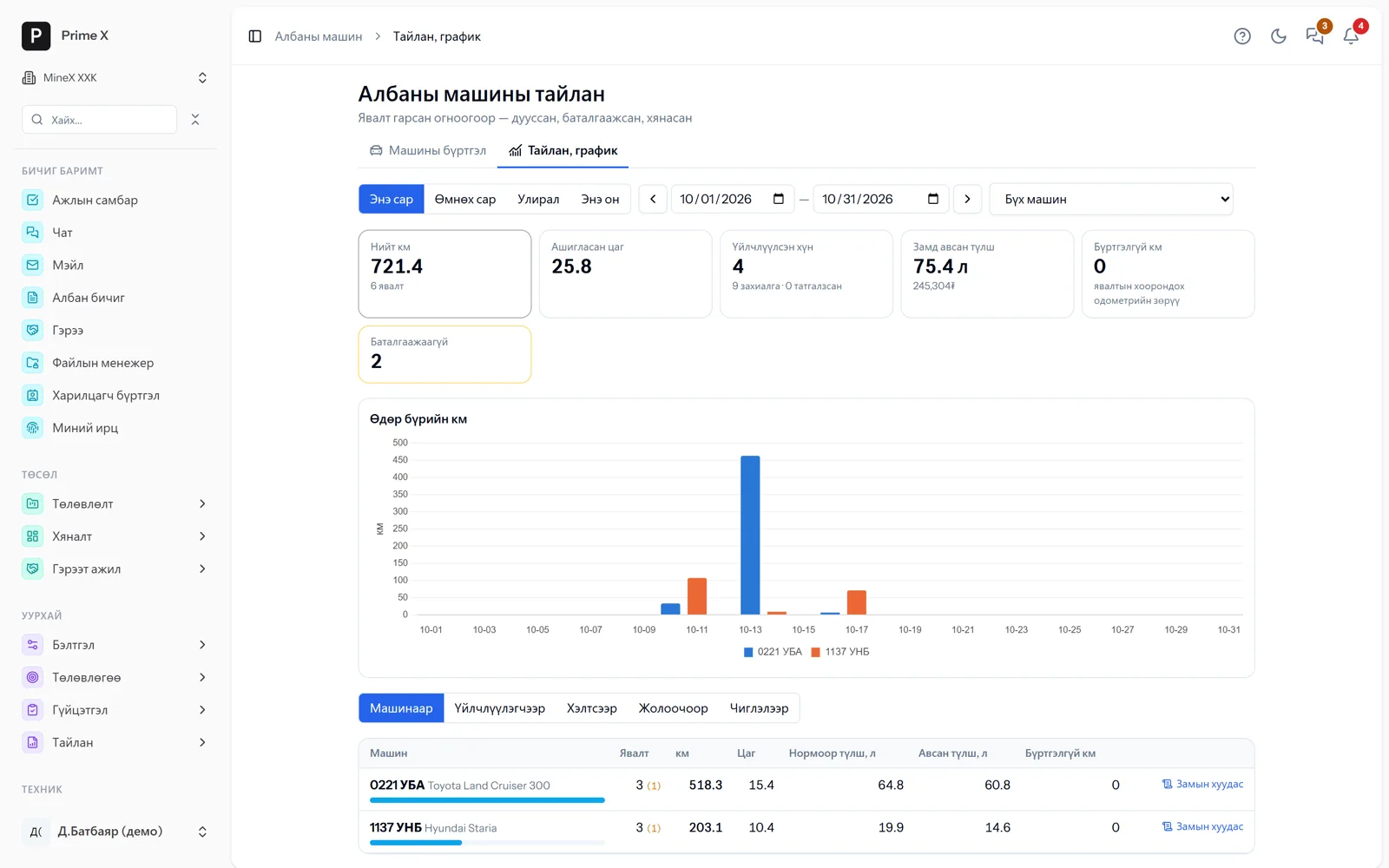
- Daily km chart; by car, passenger, department, driver, route
- Fuel by norm and bought, unrecorded km, unconfirmed trips
Better in real life
Screenshots show only a small part of the system
A screenshot shows just one moment. On the real system, when the dispatcher changes a status you see the trip report change, the act appear and the ledger entry go in. The best way is 30 minutes together on your company’s data.
- With your equipment, employees and project names
- Questions answered on the spot and shown on screen
- Online or at your office
- No obligation, no charge
See it on the real system
Request a walkthrough Try the dispatcherThere is no open demo. Walkthroughs are done only at your request, for your company.
Ready to run your company on one system?
Screenshots do not fully show how it works in practice. We give a 30-minute walkthrough on your company’s data and draw up an implementation plan together — office, factory, clinic, road or mine, the whole system or a single module. If you have foreign investors we show the English and Chinese interfaces too.