Rental marketplace · Rent and lease equipment — free portal New
List your equipment on PrimeX and rent it out, or find idle equipment and rent it — settlements run automatically every day
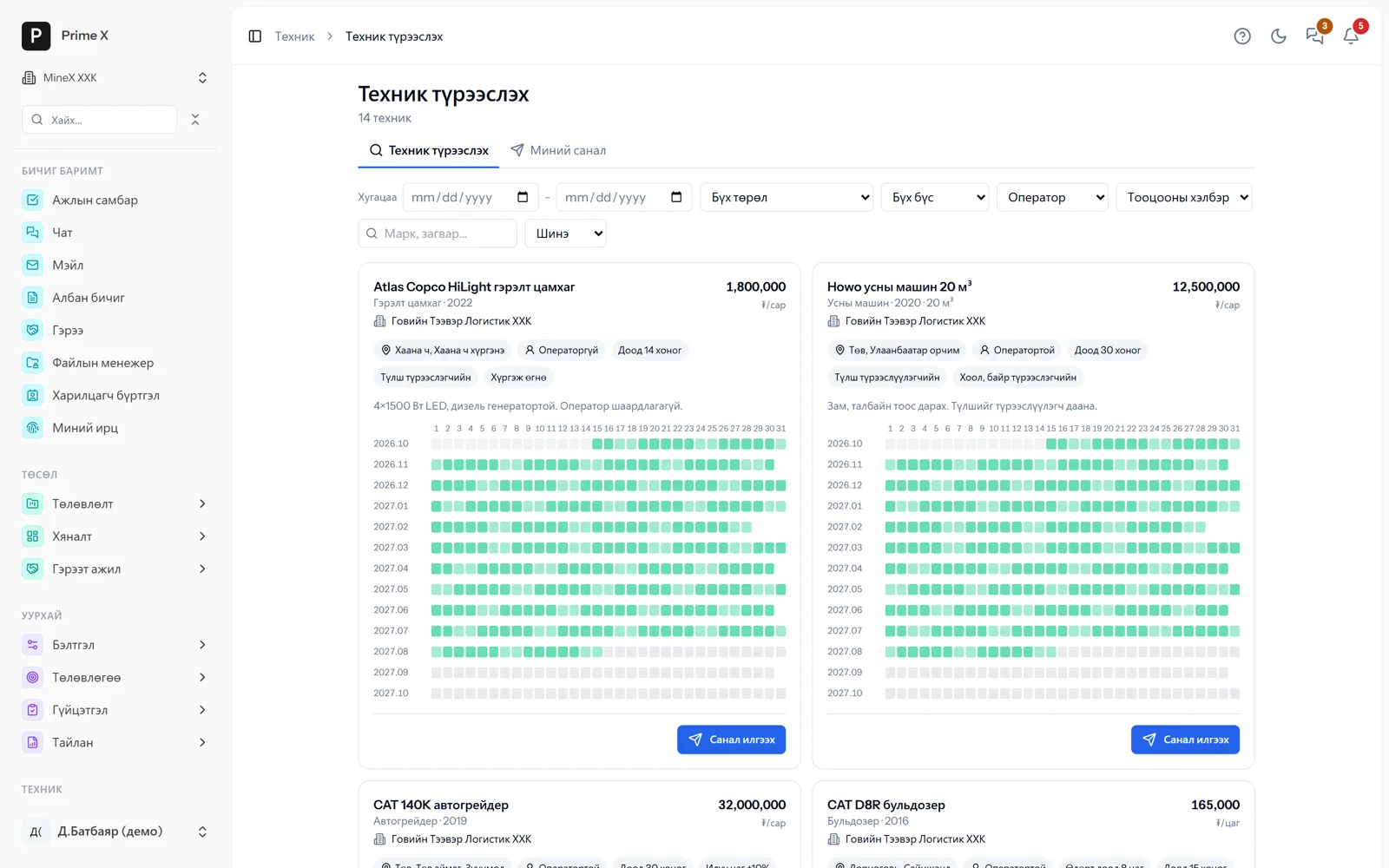
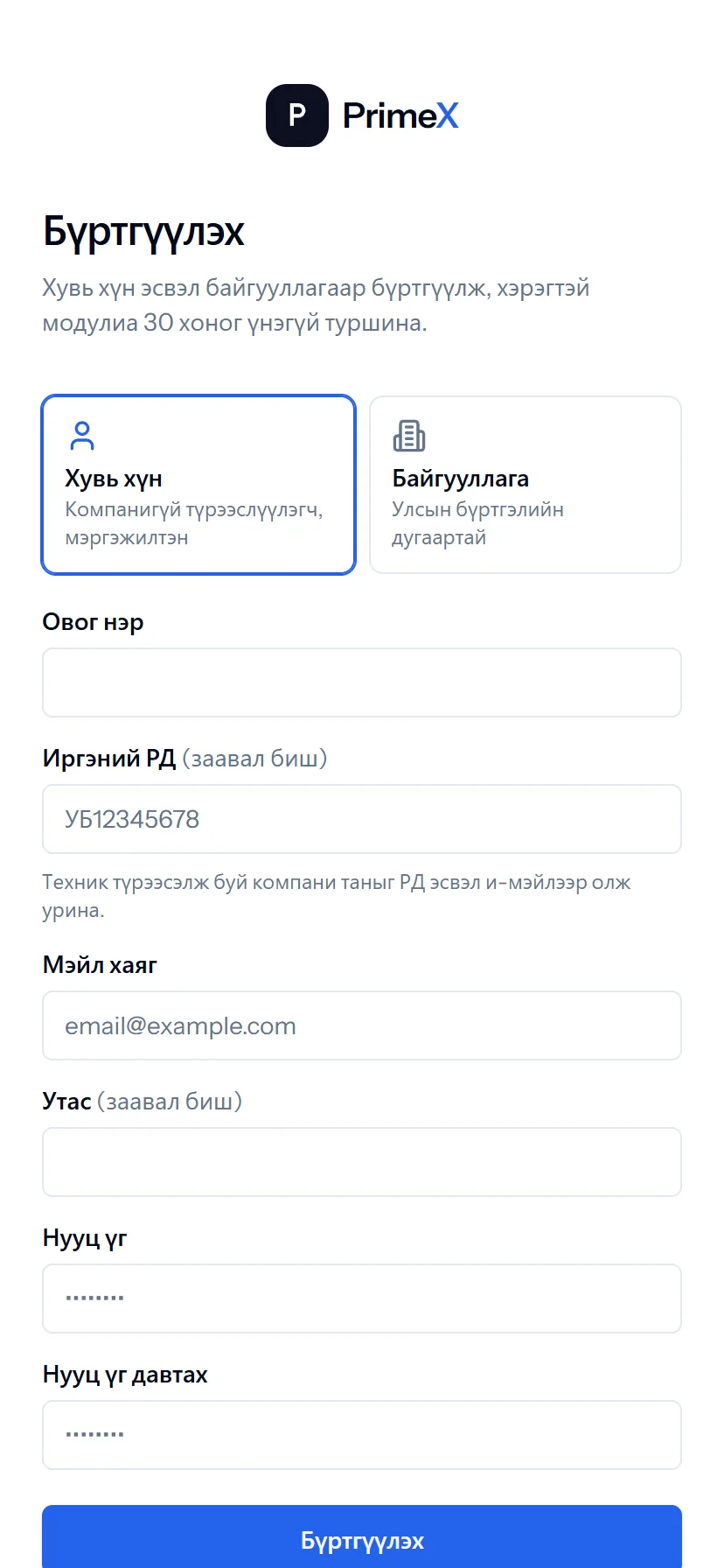
Rental companies and individuals register on PrimeX for free and list their equipment: price, terms and busy dates on a calendar. Mines and road projects search by period, type and region and send offers; several companies compete at once. When an offer is accepted, the contract, equipment record and rental settlement are created automatically.
- Feature group
- 3
- Action
- 12
- Flow step
- 6
How it works
Most equipment at Mongolian mines is rented. On the PrimeX rental marketplace a lessor (company or individual) lists equipment and marks busy dates on a calendar. Mining and road companies filter by period, type, region, operator and pricing form (hour / month / trip), see the calculated total and send an offer. Several companies can bid on one machine at once; the lessor can choose, counter-offer or hold for 1–7 days. On agreement the lessor becomes a counterparty, the machine is registered under “rental” ownership and a rental contract is created. From then on daily settlements are calculated from waybill hours and trips and the lessor approves or disputes each day in the portal; when both sides approve the monthly settlement, a payable is posted for the lessee and a receivable for the lessor automatically. Handover and return acts with photos; breakdown and delay time is deducted from payment automatically; both sides rate each other. The lessor portal is free — no module required.
Request a walkthroughThe picture is only a small part. On the real system Rental marketplace section works at every tap and links straight to the other sections — let us show you.
Request a walkthroughScreens
Rental marketplace — screens in the system
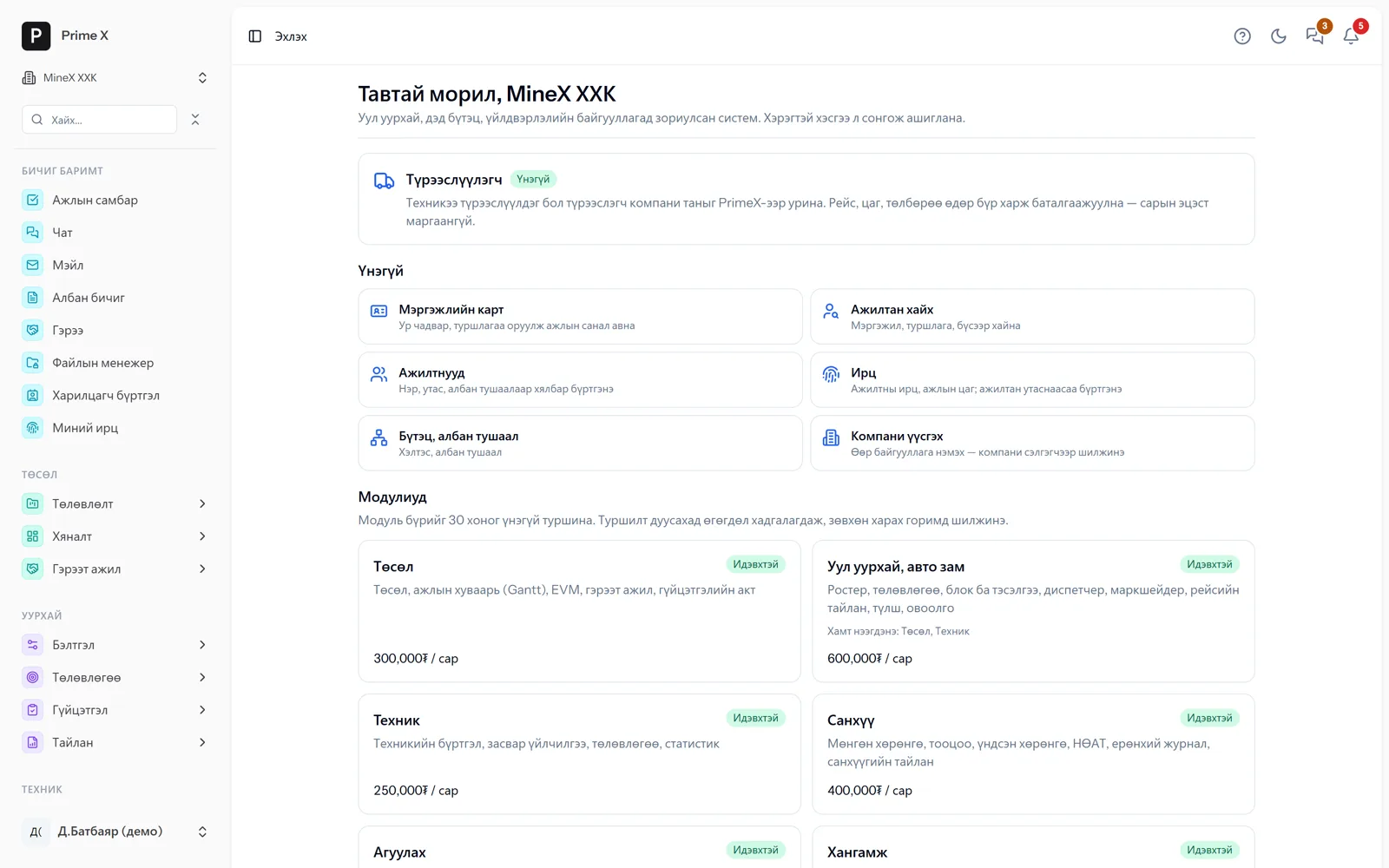
Demo company screens with sample data. Scroll down to see them one by one.
1 / 2
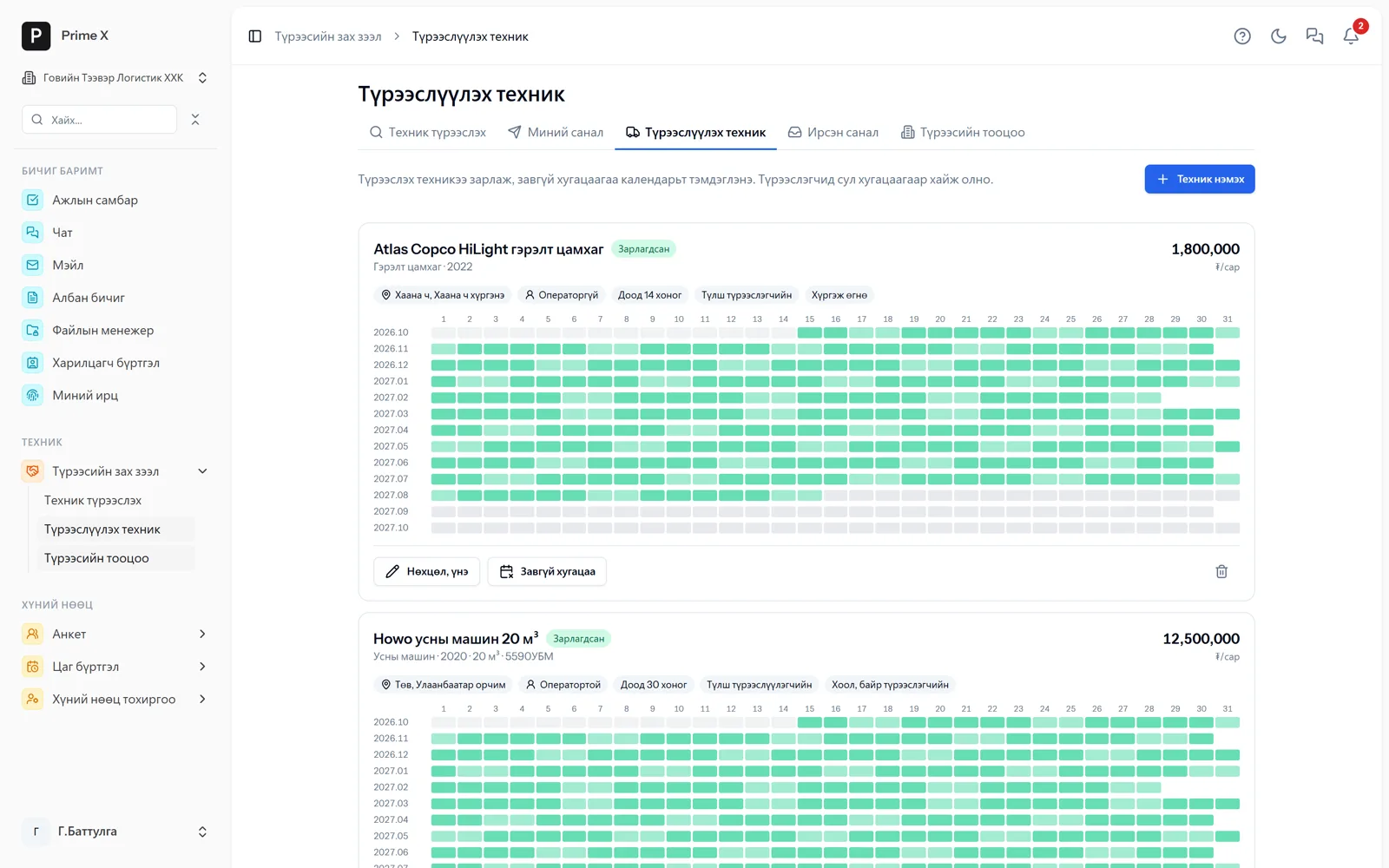
The lessor lists equipment and marks terms, price and busy dates on the calendar.
Spotlight: the lessor portal
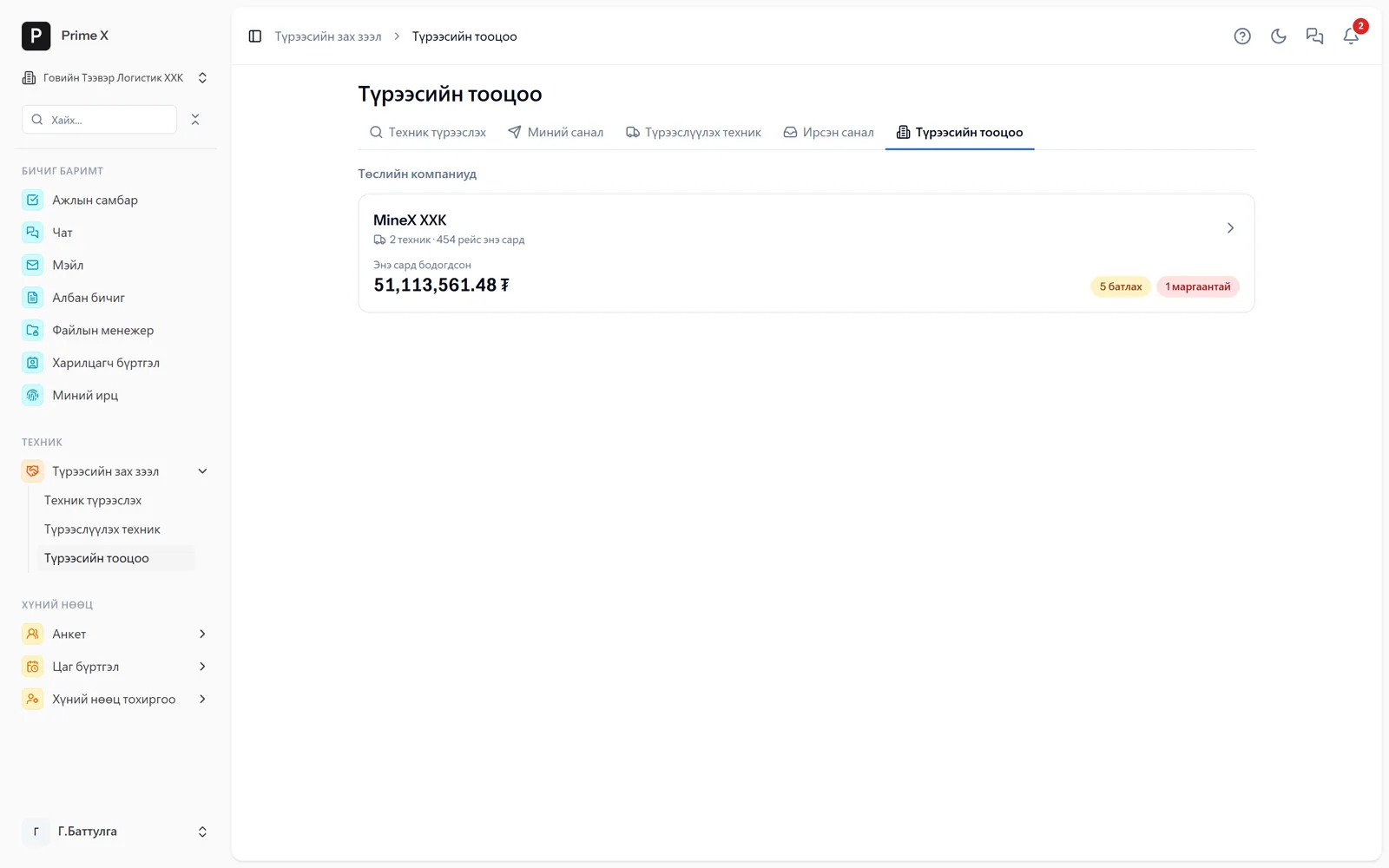
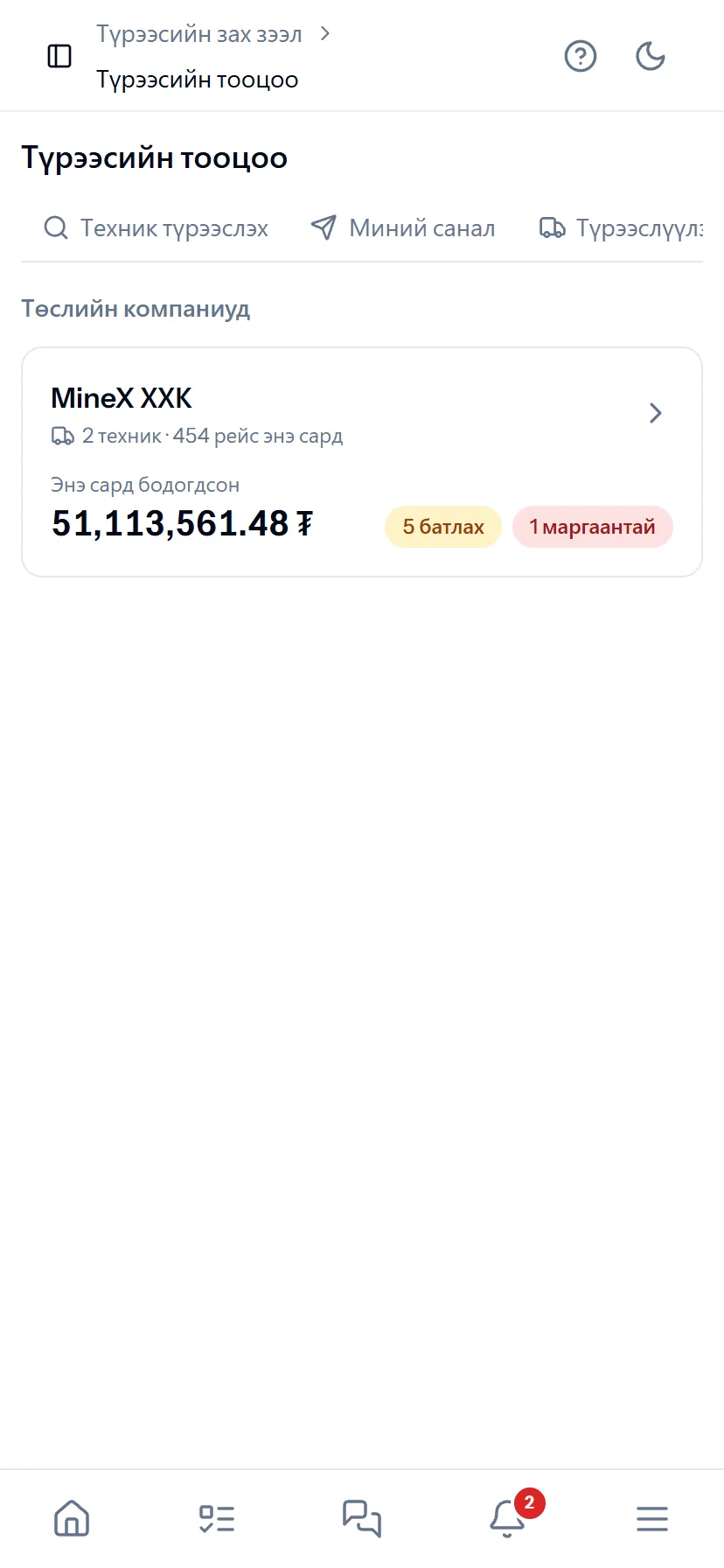
Gobi Transport Logistics: 2 trucks, 454 trips, ₮51.1 million — approved daily, no disputes at month end
The lessor sees only its own machines’ trips, hours, contract rates and deductions — other machines and project budgets are hidden. If the lessee edits trips or hours, the previous and new values are kept and the lessor is notified immediately. When both sides approve the monthly settlement, payable and receivable are posted automatically.
Great on the phone too
The lessor approves from the phone
Every day’s trips, hours and amount arrive on the lessor’s phone — approve, or dispute with a comment. No reply within 48 hours means automatic approval. No disputes at month end.
- Same account, same permissions — no difference between computer and phone
- Bottom menu: Home, Tasks, Chat, Menu — one tap
- No app to install, opens from the browser; Web Push notifications
What is included
Features of the Rental marketplace section
For lessors (free)
- List equipment — price, terms, region, availability
- Busy dates on the calendar
- Incoming offers — accept, counter-offer, hold
- Approve / dispute daily settlements, approve the monthly act
For lessees
- Search by period, type, region and pricing form
- Send an offer — with the calculated total
- On agreement: contract, register and project resource automatically
- Payable in the ledger, record payments
Rental progress
- Handover and return acts — engine hours, fuel, photos
- Extend or shorten the term
- Breakdowns and delays — deducted from payment automatically
- Mutual rating
Better in real life
Screenshots show only a small part of the system
A screenshot shows just one moment. On the real system, when the dispatcher changes a status you see the trip report change, the act appear and the ledger entry go in. The best way is 30 minutes together on your company’s data.
- With your equipment, employees and project names
- Questions answered on the spot and shown on screen
- Online or at your office
- No obligation, no charge
See it on the real system
Request a walkthrough Try the dispatcherThere is no open demo. Walkthroughs are done only at your request, for your company.
Ready to run your company on one system?
Screenshots do not fully show how it works in practice. We give a 30-minute walkthrough on your company’s data and draw up an implementation plan together — office, factory, clinic, road or mine, the whole system or a single module. If you have foreign investors we show the English and Chinese interfaces too.